



Timeline
Your cards on an interactive timeline
Grab a card or a checklist item and move it to a new date, and the change syncs back to Trello. Give it a start date as well as a due date, so its time block shows how long the work takes.
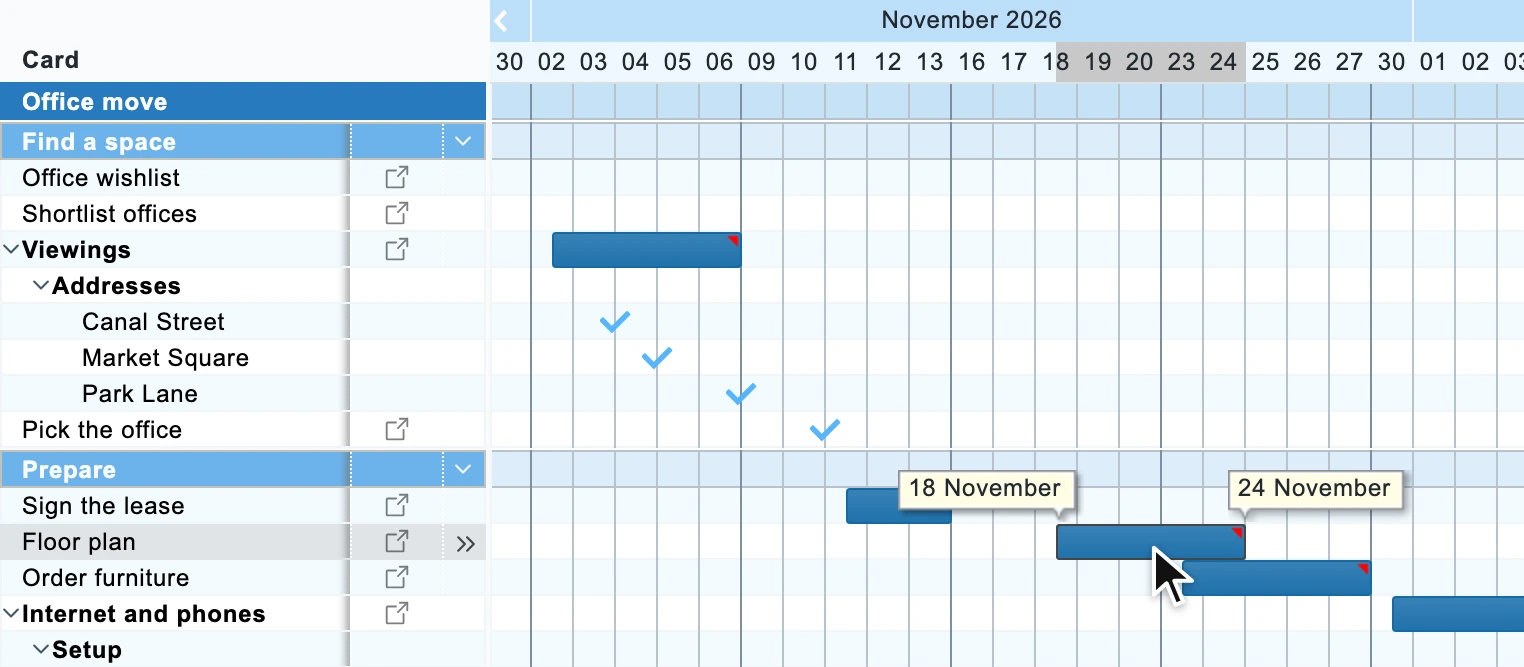
Drag cards to reschedule, set dependencies across boards, and share your plan. No Trello Premium required.
14 days free. No credit card, nothing to migrate.
The question people search
Not really. Trello's Timeline view lays cards out by date, and it comes with Trello Premium.
Ganttify turns your boards into a Gantt chart, with a row for every list, card and checklist, so you see which work holds up the rest. Set dependencies between cards across boards, drag one to a new date and the cards after it move along. It works on every Trello plan, including the Free plan, and every change syncs back to Trello.
Everything you need
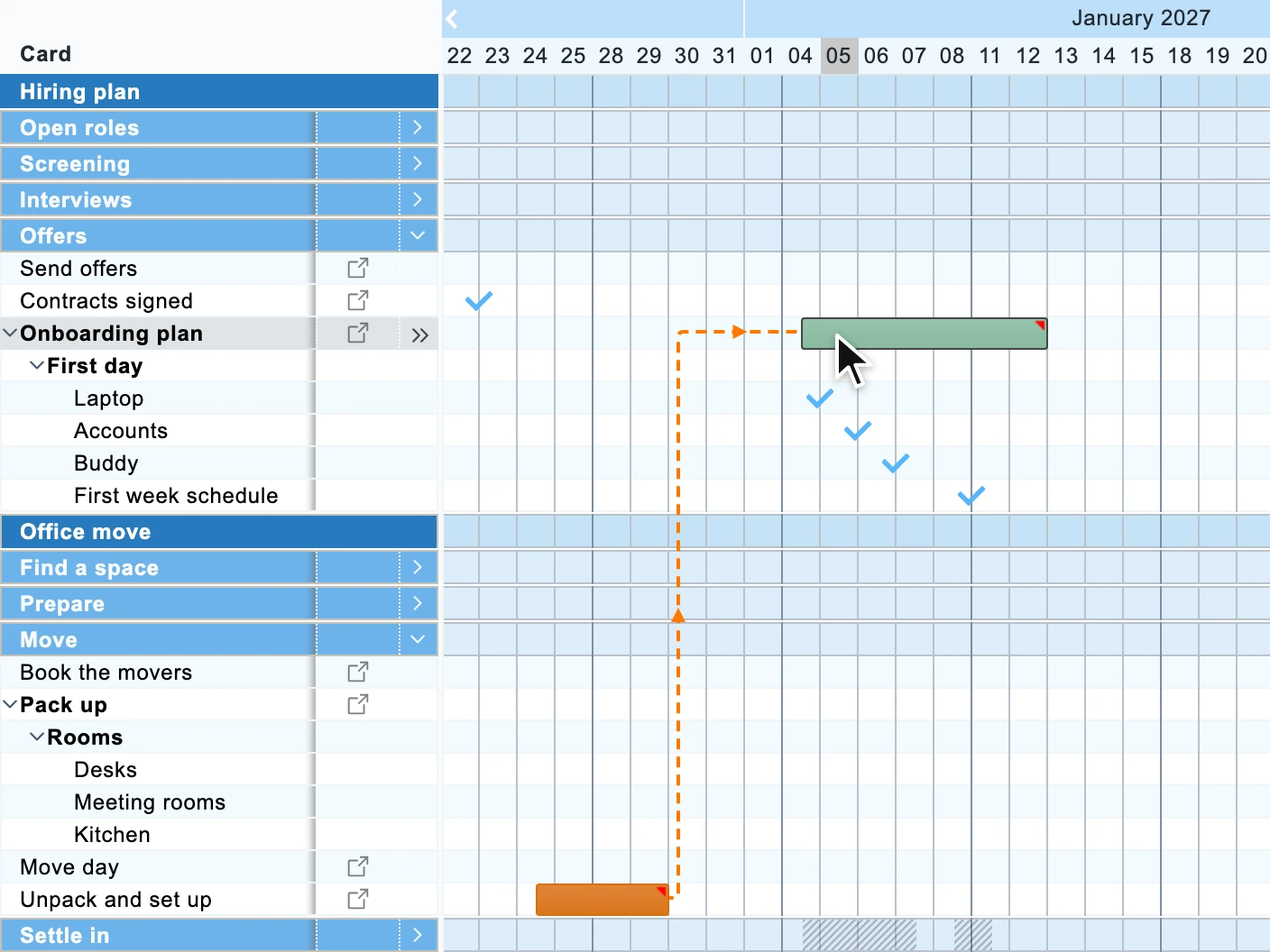
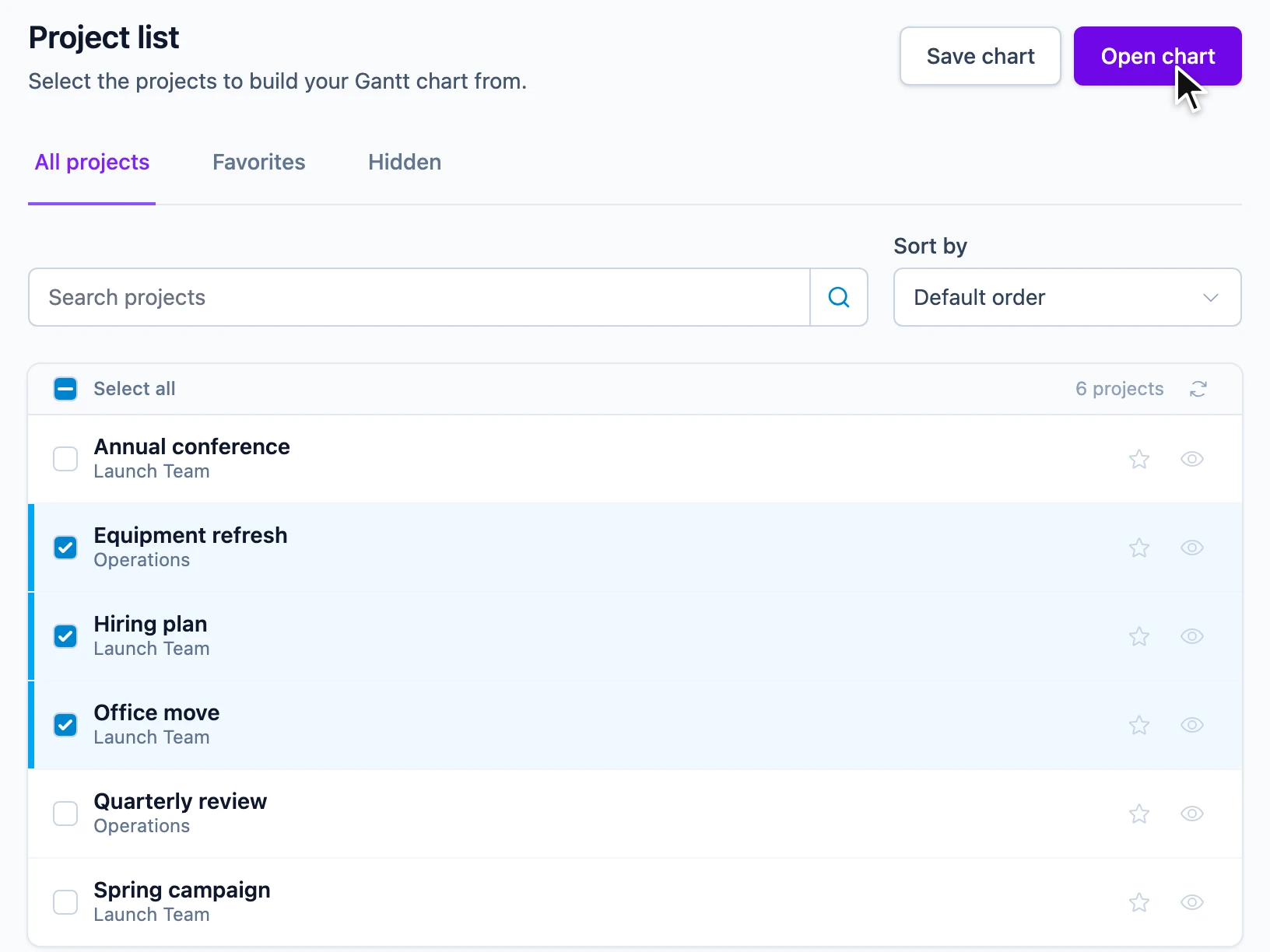
Projects often span multiple boards. Ganttify combines them into a single Gantt chart so you can spot conflicts and plan across teams.
Timeline
Grab a card or a checklist item and move it to a new date, and the change syncs back to Trello. Give it a start date as well as a due date, so its time block shows how long the work takes.
Dependencies
Set a dependency where one card waits on another. When one card slips, the cards after it move to their new dates.
Boards
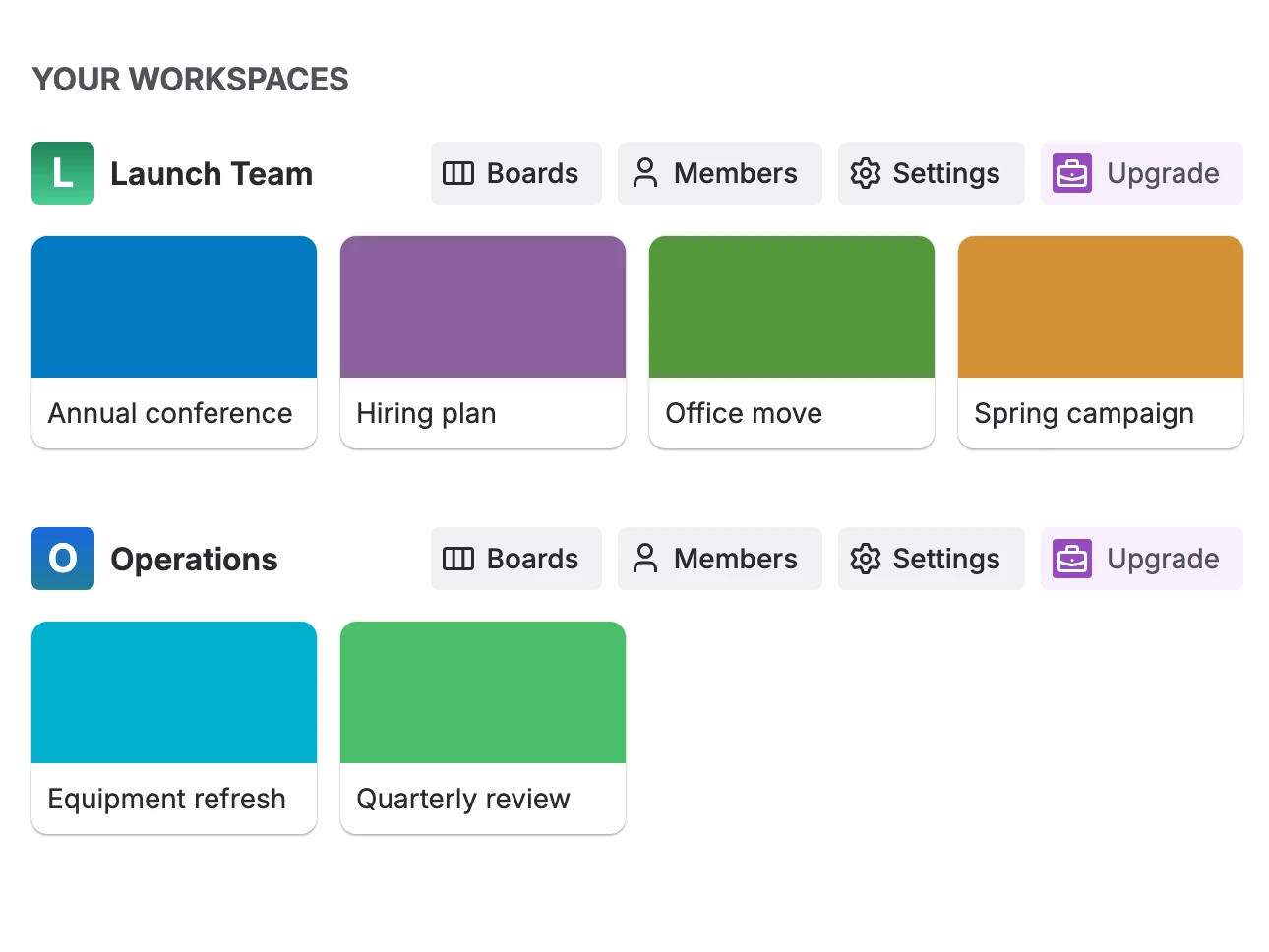
Pick boards from any workspace and Ganttify shows their cards on one timeline.
Sharing
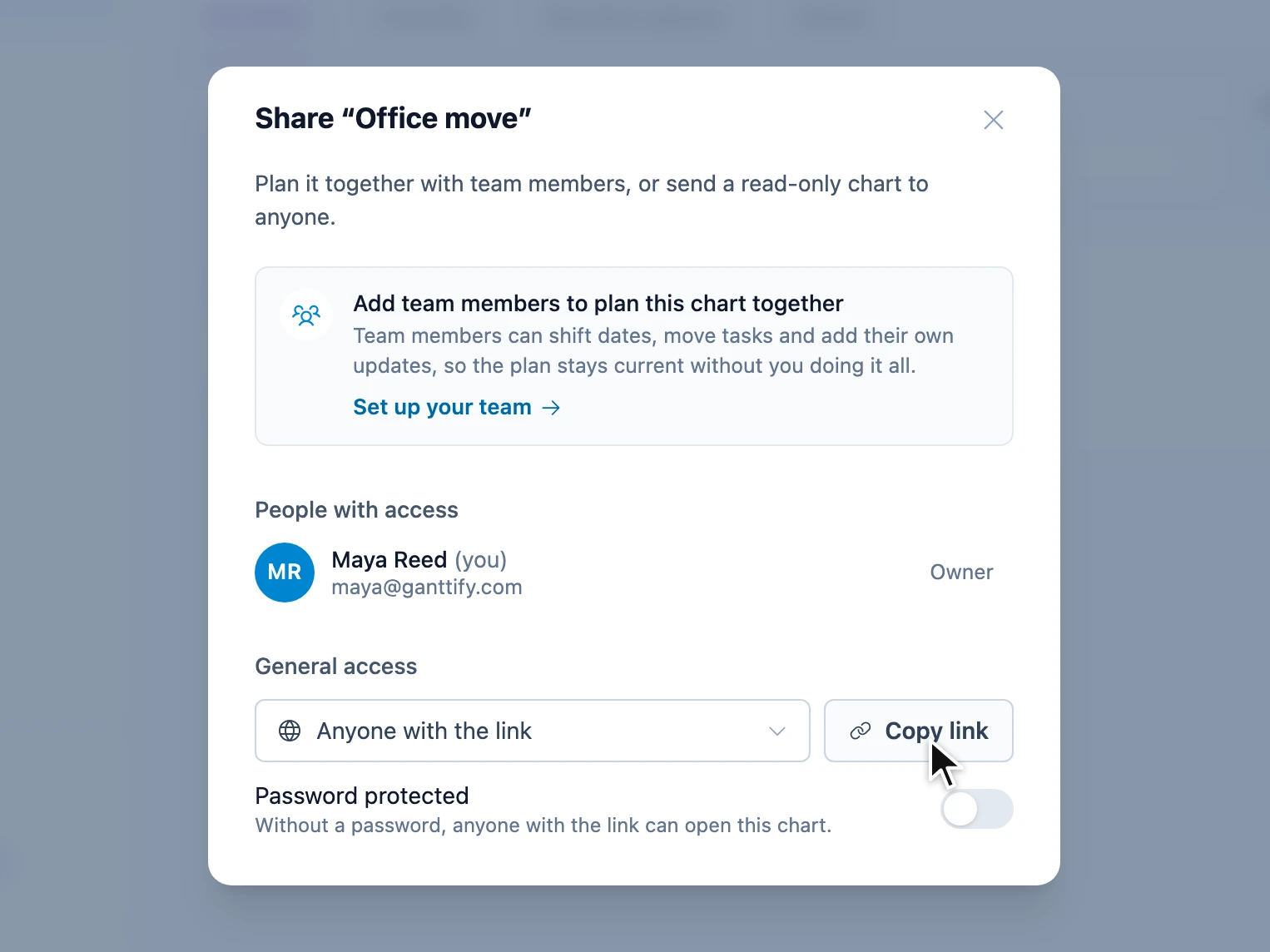
Share a read-only link to your Trello timeline. Clients and stakeholders follow progress without a Ganttify or Trello account.
Filters
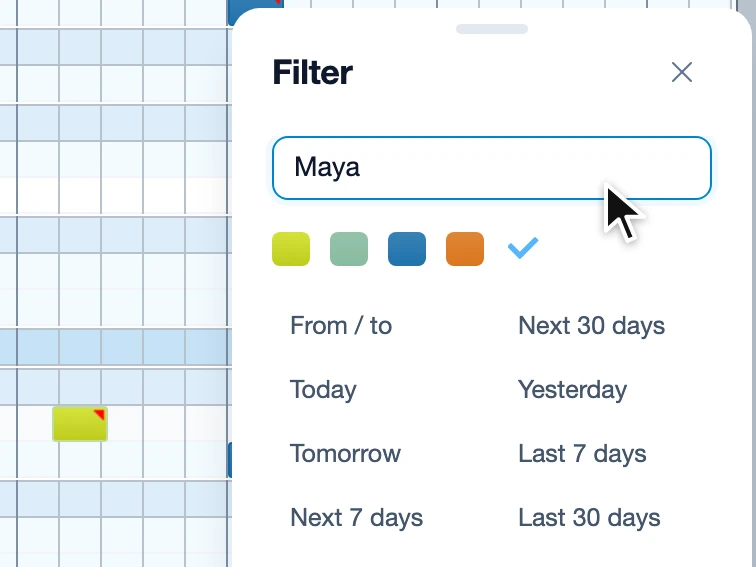
On a timeline that spans several boards, filters narrow it to the cards you need right now.
How it works
Your first Gantt chart for Trello is that easy.
Sign in with Trello and connect it to your Ganttify account.
Pick one board or several, from any Trello workspace.
Your lists, cards, checklists and checklist items become rows on one Gantt chart. Drag to reschedule, set dependencies between them, and color-code time blocks or give milestones their own icon.
Who it's for
Invite your team on a team plan so everyone works from the same Gantt chart. You decide who can view it and who can edit it.
Planning a wedding, tracking a renovation or managing freelance projects. Know when you have time and when you don't.
Ganttify works with every Trello plan, including the Free plan. You don't need Trello Premium to get a Gantt chart.
Questions
The short answers. For everything else, the help center has the long ones.
No. Ganttify works with every Trello plan, including the Free plan, so you get a full Gantt chart without upgrading your workspace. Dependencies, drag-to-reschedule and several boards on one timeline are all included.
Yes. Set dependencies between cards on the Gantt chart, even across boards. When one card slips, the cards after it move with it, so you never fix a chain of dates by hand.
Yes. In Trello, due dates on checklist items need a Standard, Premium or Enterprise workspace. In Ganttify every checklist item gets its own start and end date on any Trello plan, including the Free plan, so you can schedule the steps inside a card without upgrading.
Yes. Pick the boards you want together and see them on a single Gantt chart, so you see where work across teams overlaps before it collides.
Yes. Share a read-only link to your Gantt chart. Clients and stakeholders open it without a Ganttify or Trello account, and it stays up to date as your cards change in Trello, so nobody works from an old screenshot.
Yes. Save the Gantt chart as a PDF or an image, ready for a status report, a client deck or the office wall.
Your boards, lists and cards stay in Trello, so your team keeps working the way it does and nothing needs migrating. The dates you set on the chart, checklist items included, are saved in Trello itself. Ganttify adds a planning layer on top for the rest: dependencies, and the colors and icons on your time blocks, live in Ganttify.
Every account includes a free 14-day trial, so you can try Ganttify on your own Trello boards before you pay anything. No credit card needed. When it works for you, the pricing page has the plans.
Every integration
Dependencies, sharing and export work the same way for every integration. Connect yours, pick a project and your first chart is there.
Continue with Trello, pick a board, and your first chart is there.
Also available for Basecamp, Todoist, Google Calendar and GitHub.