


We've redesigned three core parts of Ganttify: the help center, the video tutorials, and the blog you're reading right now. Same content, completely new experience.
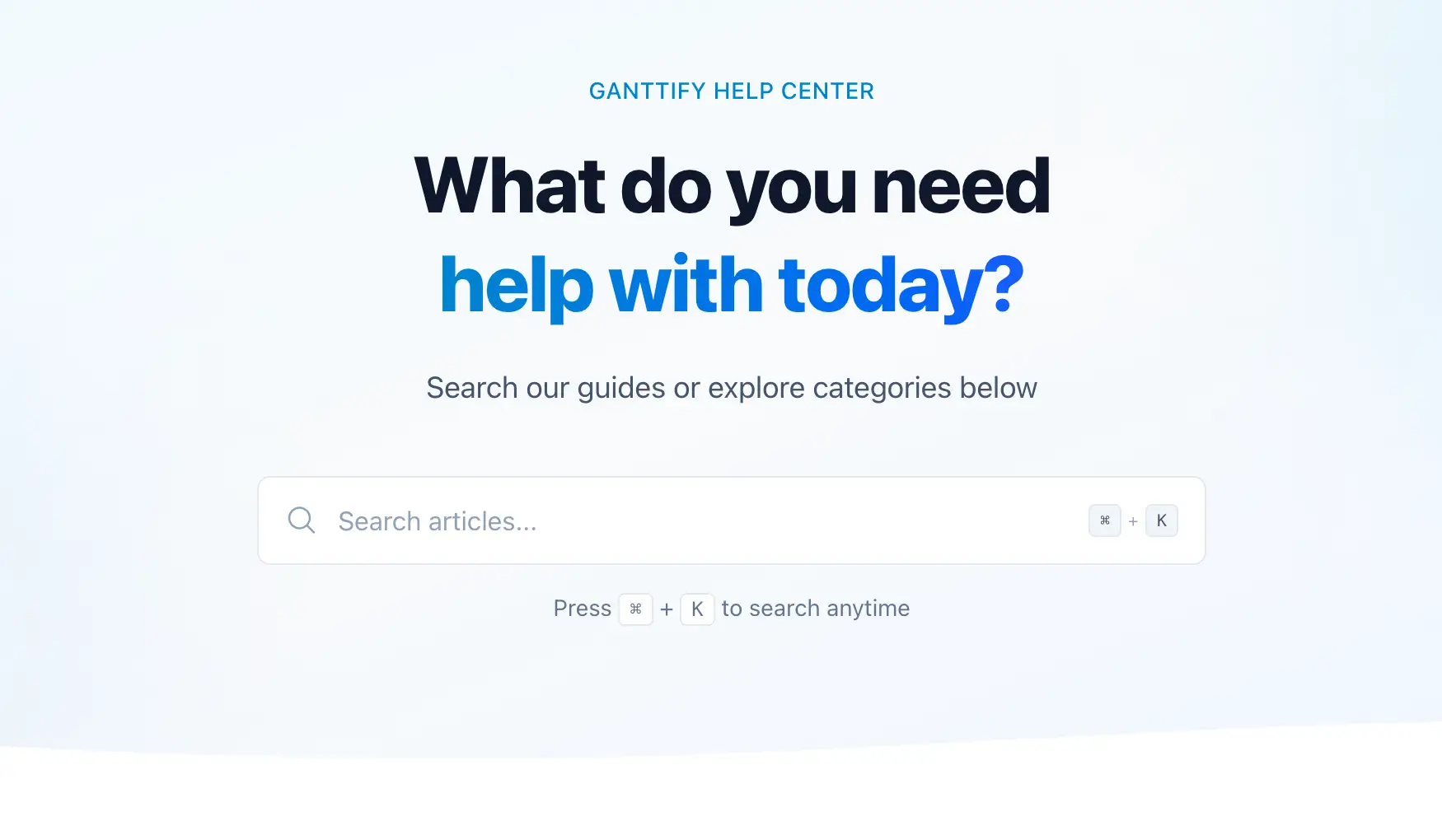
A help center that actually helps
The old help center worked, but finding what you needed could feel like a scavenger hunt. Articles were buried, search was hit-or-miss, and browsing by topic wasn't much better.
That's fixed. Every article has been reorganized into clear categories, and the search now surfaces the right result on the first try. Whether you need help with time blocks, dependencies, or sharing your Gantt chart, you'll get there faster.
We've also added related article links at the bottom of each page. Setting up dependencies for the first time? You're one click away from learning about milestones too. The whole thing is fully responsive now, so it works just as well on your phone.
Video tutorials, redesigned
The video tutorials page got the same treatment. It now matches the help center's layout, with a clean hero section, category-based navigation, and video cards that make it easy to find what you're looking for.
Each tutorial is grouped by category — Getting Started, Quick Tips, Advanced Features — so you can jump straight to what's relevant. The cards show thumbnails and duration at a glance. No more guessing whether a video is a 10-second tip or a full walkthrough.
The blog got the same treatment
You're looking at it. The blog now uses the same layout, navigation, and color palette as the help center and video tutorials. Articles are easier to read, the sidebar helps you browse by category, and everything feels like it belongs together.
This was the point: whether you're reading a tutorial, watching a video, or browsing a help article, the experience should feel consistent. No more jumping between three different designs that look like they belong to three different products.
Try it out
Explore the help center, browse the video tutorials, or keep scrolling through the blog. If something's missing or you have feedback, reach out through the help widget inside Ganttify — we read every message.
Not using Ganttify yet? Create your free account and see how a Gantt chart brings clarity to your project planning.