



My Charts has officially graduated from the closed beta and is now open to every Ganttify workspace, giving you a faster way to revisit the plans you care about most.
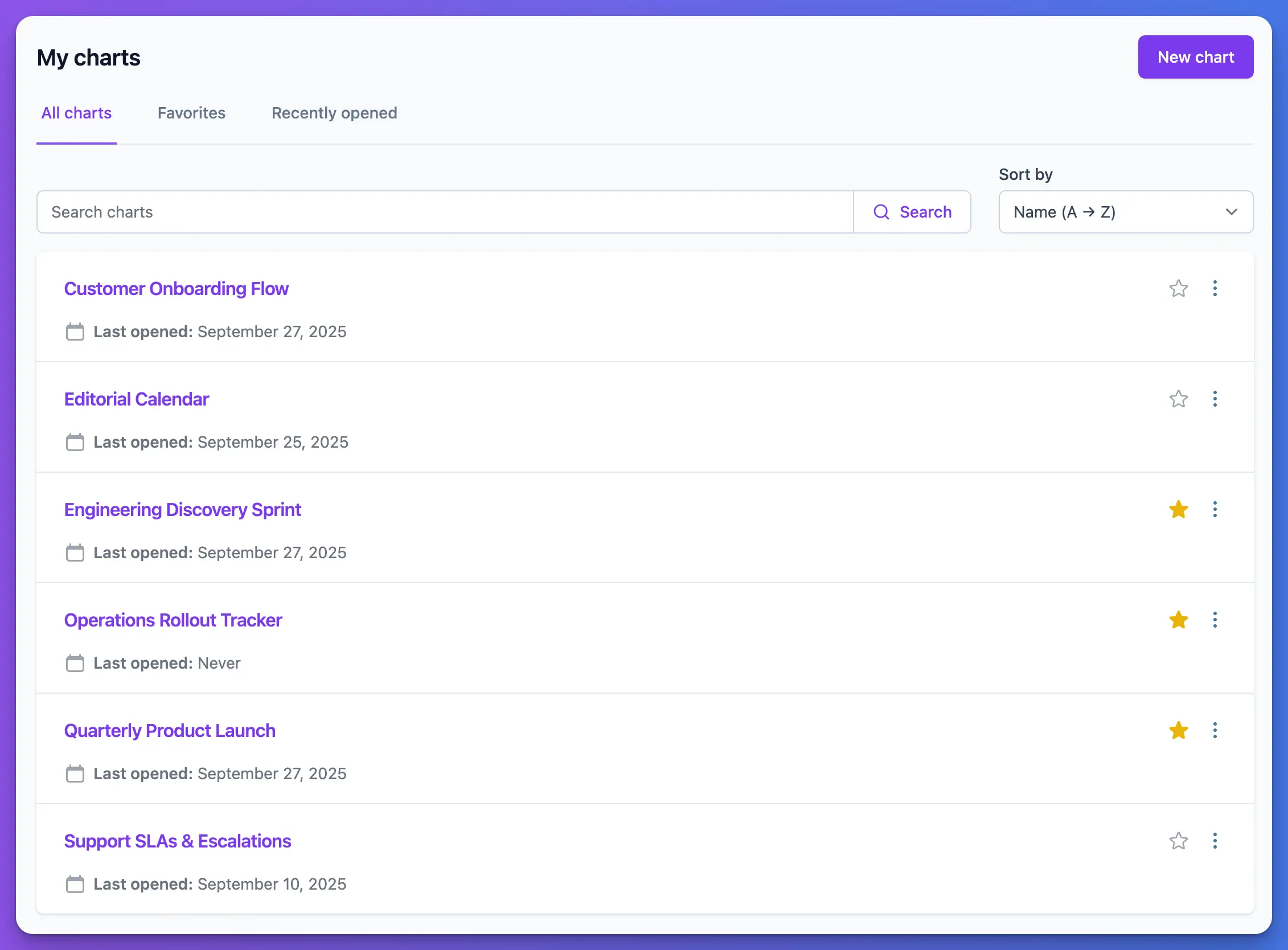
for faster access to your Gantt charts.
The dedicated view pulls together every chart you have already created, so you can reopen a timeline the moment you need it—no extra setup required.
Skip the project re-selection loop
Launching a chart from My Charts immediately brings back the same mix of projects you saved with it, letting you track progress or make updates without rebuilding your selection from the Project List.
Recently opened charts stay within reach
The Recently opened tab keeps your most-used timelines at the top, so daily check-ins are just a click away and you never lose track of what you reviewed last.
Favorite your go-to timelines
Mark any chart as a favorite to pin it to the top of My Charts, giving you even faster access to the plans you revisit the most without digging through recent activity.
We are continuing to refine the experience, so let us know which shortcuts would help you move even faster through your planning routine.