



Your Gantt chart is a shared source of truth. The people around it matter as much as the tasks on it. We've made it significantly easier to share a Gantt chart with your team, bring new members on board, and keep everyone aligned.
Transfer team ownership in a few clicks
Leadership changes happen. Maybe someone moves to a different department, maybe you're handing a project off entirely. Either way, you shouldn't need to file a support ticket for it.
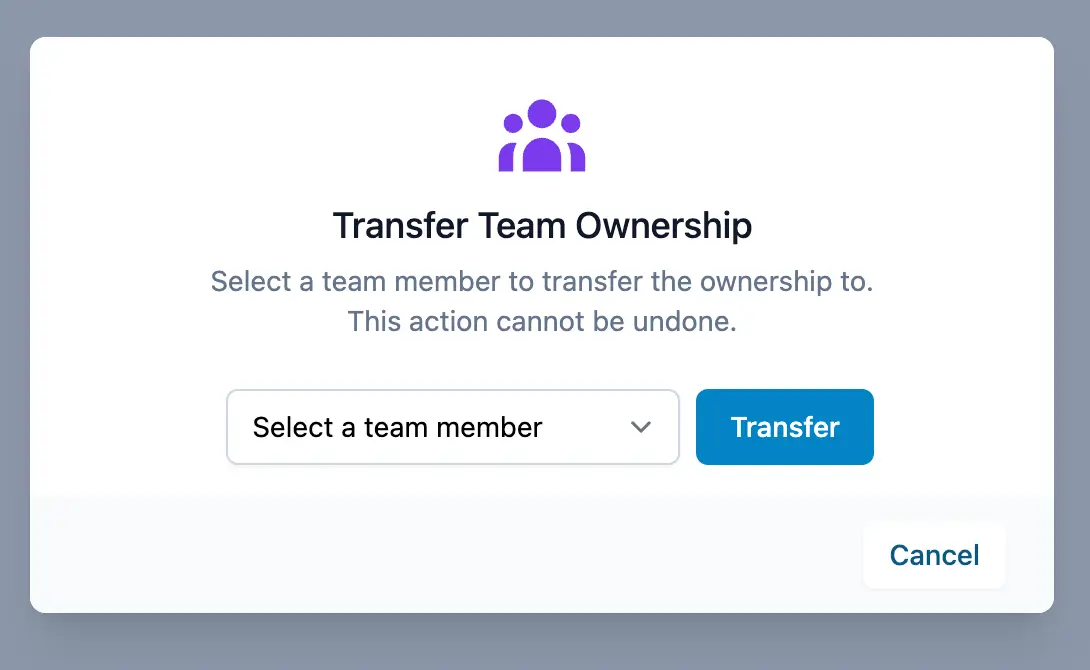
You can now transfer team ownership directly from your team settings. The new owner gets full control over team management and the Ganttify subscription with zero downtime for everyone else on the team. Your project timeline keeps running without interruption.
Invitations that actually work
Invitations now show up inside Ganttify itself, so your teammates can see and accept them without digging through their inbox. And if someone clicks the invite link but signs up with a different email address, the invitation still finds them.
Team management on more plans
Since we unified our pricing, team management comes included with every plan. Invitations and team settings work the same way regardless of which integration you connect. Check the pricing page to find the plan that fits your team.
Try it today
These features are live right now. If you already have a Ganttify account, head to your team settings to explore ownership transfers and the new invitation flow. If you're not yet a Ganttify user, sign up and see how a shared Gantt chart brings clarity to your team's work.