



Trusted by teams shipping on time
The Ultimate
Gantt chart
add-on
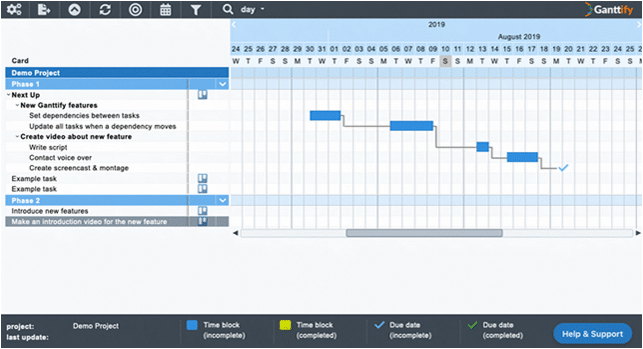
Ganttify automatically creates Gantt charts of your existing projects in seconds. Update deadlines, milestones and time blocks within the chart, and the changes automatically sync back to your project management software.
- Two-way sync mirrors task updates, labels, and assignees in your project plan.
- Spot dependencies, milestones, and blockers with a clean layout optimised for fast reviews.
- Share a read-only link to the live chart with clients and stakeholders. No account needed.
No credit card required
“Setting up Ganttify for Basecamp was super easy — charts were created instantly, and our team quickly got their schedules in place. Now we have clear visual timelines that make spotting conflicts and errors a breeze.
”

“Using Ganttify to schedule complicated projects in Basecamp has been seamless. It fills in critical gaps that help our team stay in sync and on schedule.
”
“Ganttify finally gives our Todoist boards the timeline discipline they were missing. Building dependencies on the chart keeps our priorities clear while the sync updates the team’s daily plan automatically.
”

“Ganttify has provided the clear and global view of our projects' timelines in Basecamp that we needed. Because of the integration with Basecamp, I am able to quickly share a large amount of information with colleagues and leadership in a way that is easily accessible. Very glad to have found this tool!
”
You're in great company.
From individuals to small businesses and industry giants, teams across the globe trust Ganttify.
Enhanced features
Make your projects more manageable with Ganttify.
Ganttify adds planning on top of the projects you already run, without moving them anywhere.
- Start and end dates.
- Turn tasks that only have a due date into time blocks that show how long the work takes.
- Dependencies between tasks.
- Link tasks that depend on each other with drag and drop. When one slips, the rest move with it.
- Visual timeline management.
- Drag tasks across your timeline and watch everything update in real-time.
Collaboration
Share Gantt charts with clients and your team
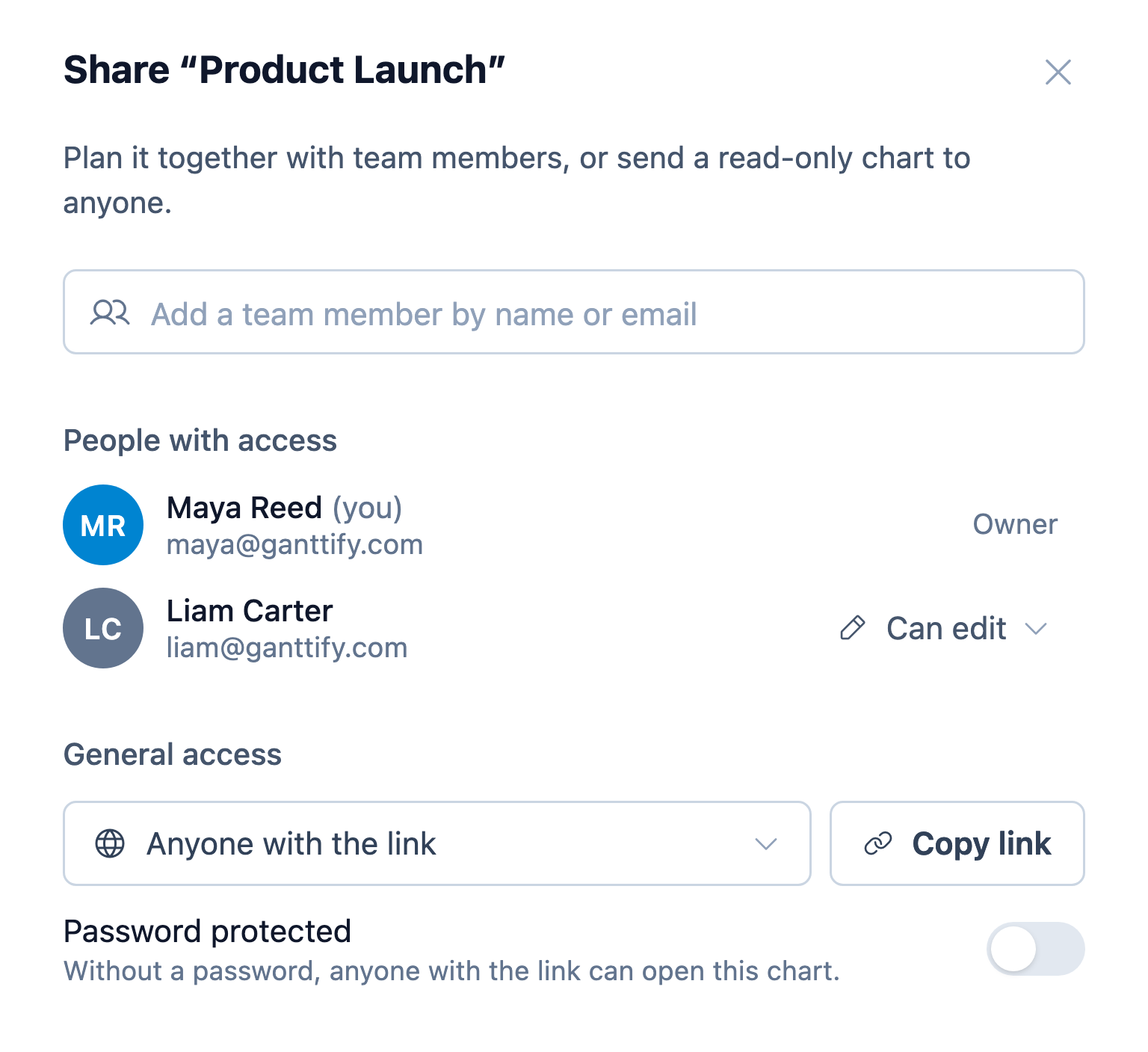
Share a read-only link with anyone who follows the plan, or plan the chart together with your team.
- A read-only link for anyone.
- Clients and stakeholders open it in their browser, no account needed. Add a password to control who can open it.
- Always up to date.
- Changes made in Ganttify or in your integration show up the next time they open or refresh the chart. Nothing to resend.
- Plan together with your team.
- On a Small Team or Large Team plan, share a chart with your team. You decide who can view it and who can edit it.
Use the software you already love.
Creating and maintaining a plan should be fast and easy. You're already working in Trello, Basecamp, Todoist, Google Calendar and GitHub and just want a plan for your projects.
The data is there: all the due dates and tasks are already entered once. Now, let Ganttify do the work for you. Connect Ganttify, select one or more projects, and done!
Connects to where your projects live
Ready to dive in? Start your free trial today.
Turn your project into a Gantt chart →Simple setup
Ganttify creates the Gantt chart for you.
Create an account
Ganttify is an add-on for your existing project management software. Sign up, connect your account, authorize Ganttify, and you're ready to go.
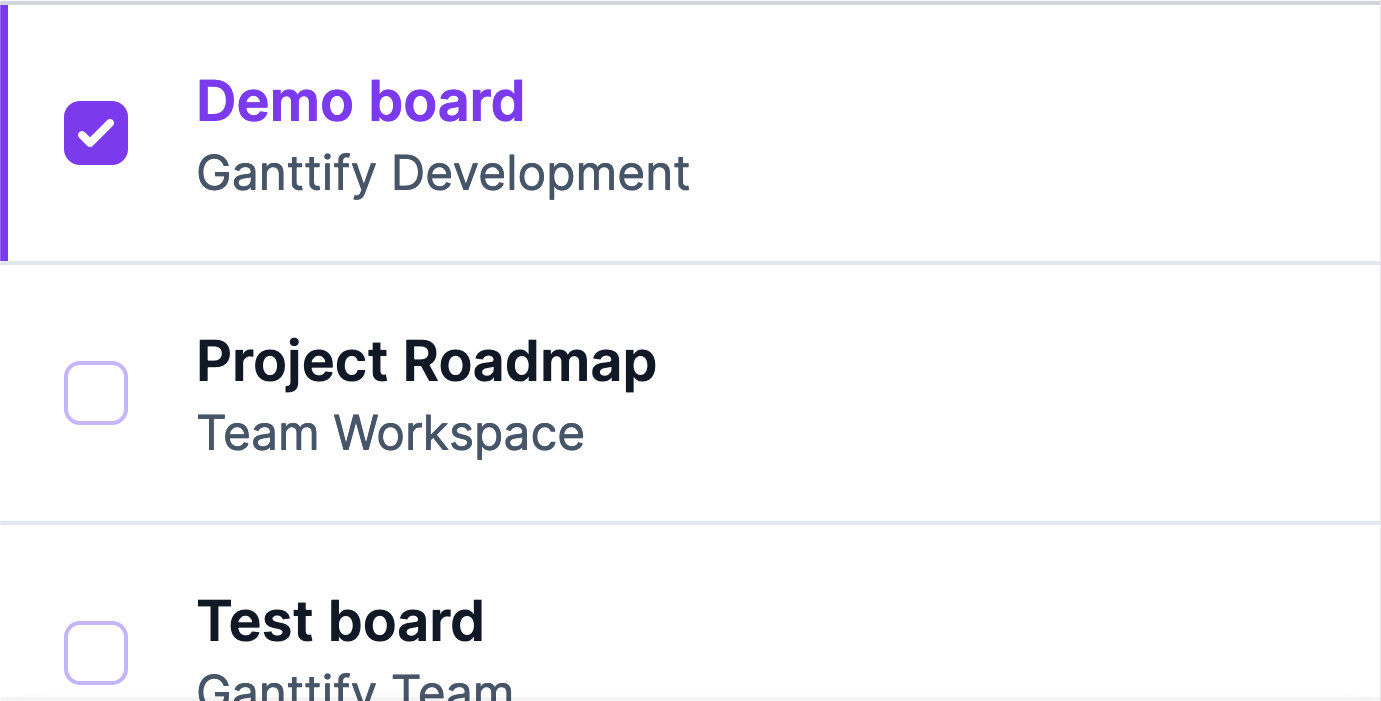
Select your projects
Choose which projects you want to visualize. Ganttify will import all your tasks, due dates, and team members automatically.
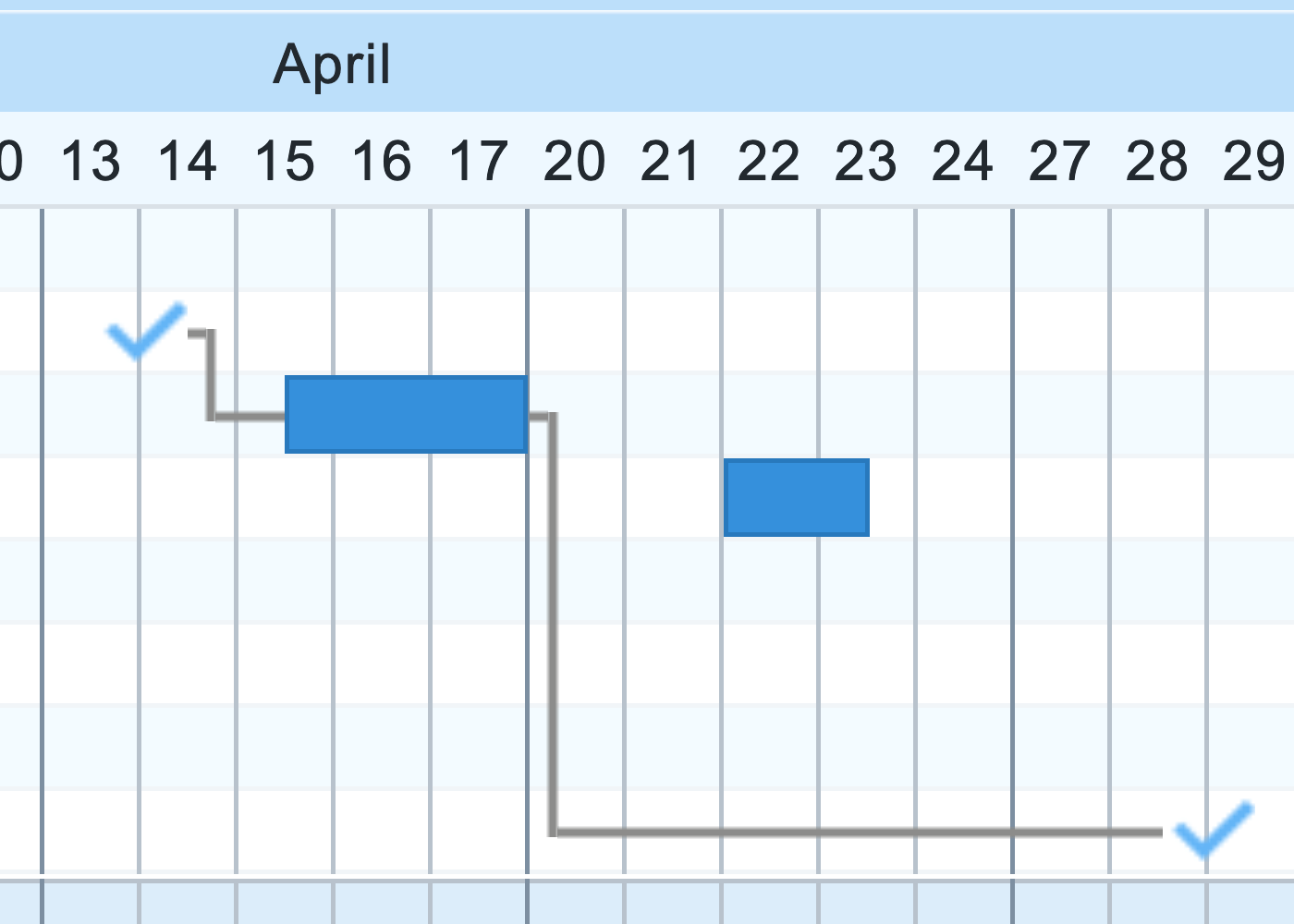
Done
Ganttify has created your Gantt chart. You can now set start dates, end dates and even create dependencies on your tasks to keep track of your entire project schedule.