



See the big picture your Basecamp projects are missing.
Your todos, events, and card tables on one interactive timeline. Set dependencies, drag to reschedule, and share your plan. Everything syncs back to Basecamp.
You've got the tasks. Now see the plan.
Your to-do lists, schedule events, and card tables all show up as timeblocks on an interactive Gantt chart.
-
Todos and schedule events.
- Both your to-do lists and calendar events appear as time blocks. See what needs to happen and when, all in one view.
-
Card table support.
- Basecamp Card Tables are fully supported. Cards show up with start and end dates and can be linked with dependencies.
-
No manual data entry.
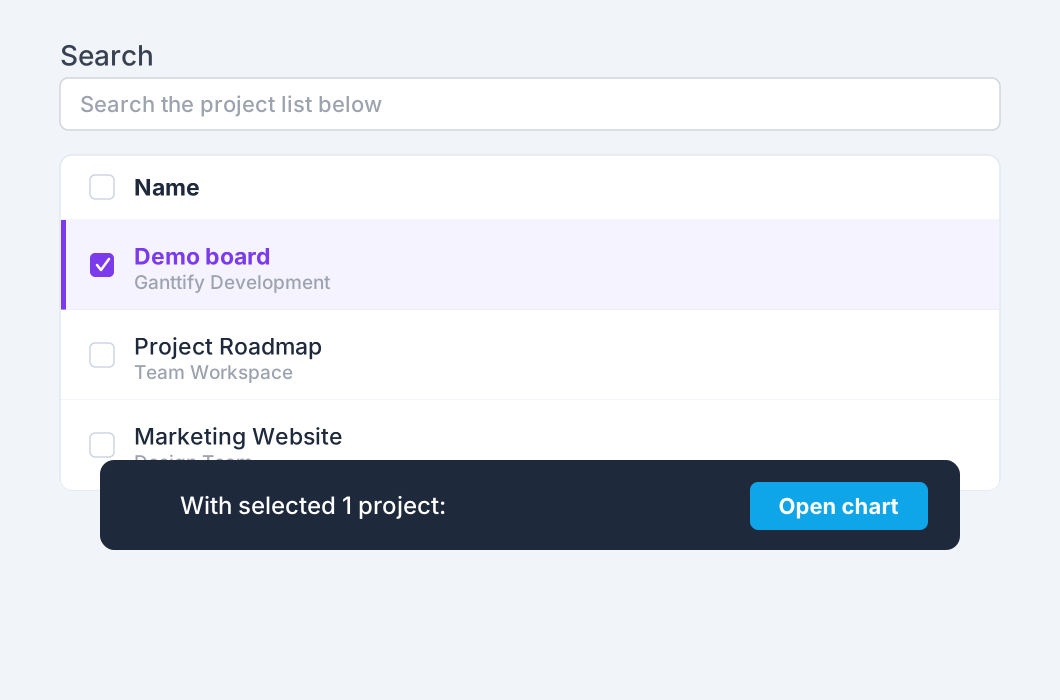
- Connect your Basecamp account, select your projects, and your Gantt chart is ready. Nothing to configure.
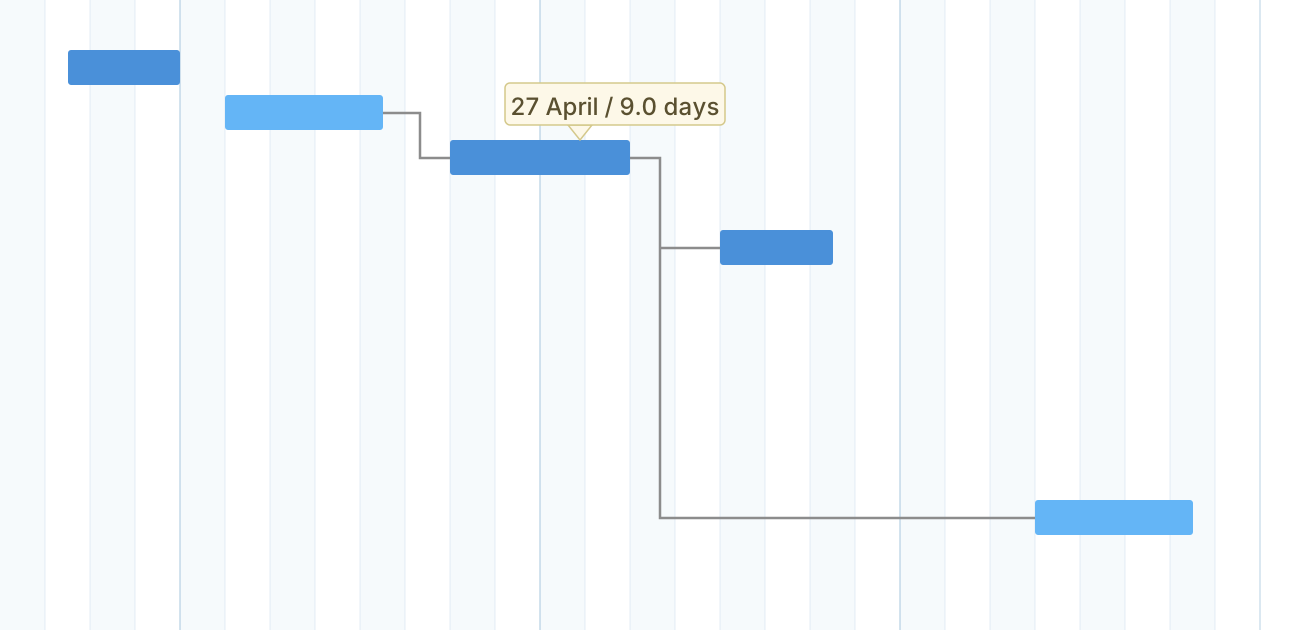
Point, click & done.
Your first Gantt chart for Basecamp is that easy.
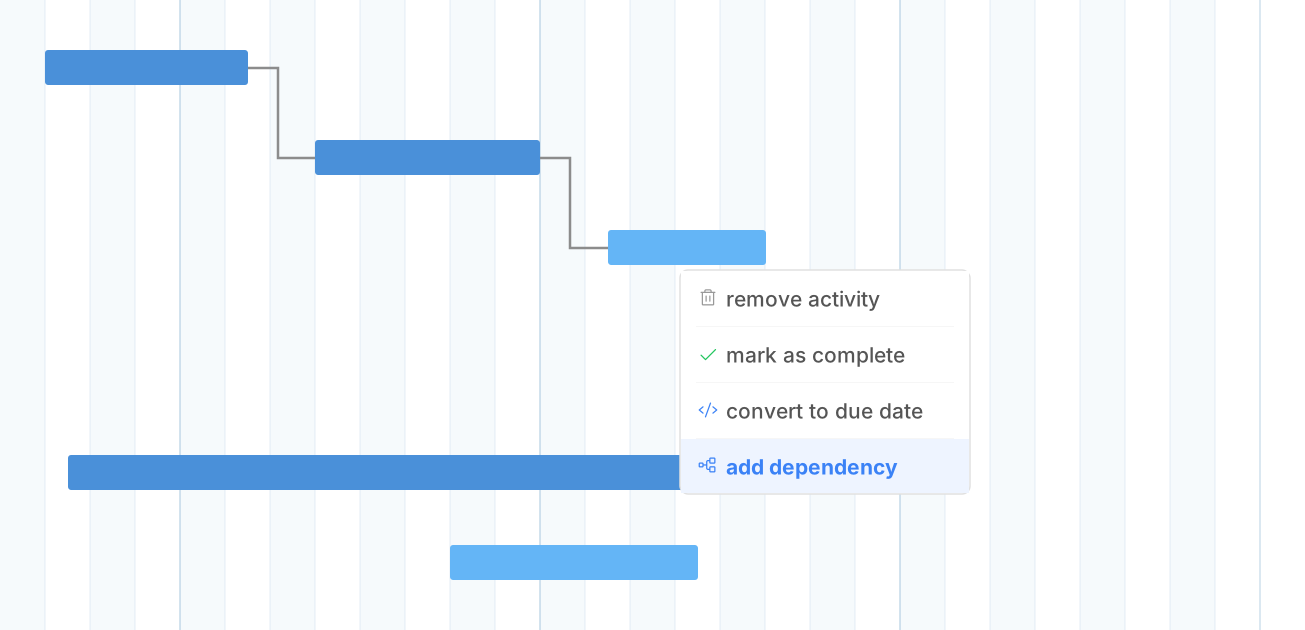
Set dependencies between tasks, even across projects.
Ganttify lets you draw dependency lines between any tasks, including tasks in different Basecamp projects. Move one task forward and everything downstream shifts with it.
-
Cross-project links.
- Link tasks that depend on each other, even across different Basecamp projects. When one task moves, dependent tasks adjust their start dates automatically.
-
Two-way sync.
- Change a due date on the Gantt chart, it updates in Basecamp. Complete a task in Basecamp, the chart reflects it. Your timeline always stays accurate.
See all your Basecamp projects on one timeline.
Running multiple Basecamp projects? Ganttify shows them all on one timeline. Spot scheduling conflicts and see where teams overlap at a glance.
-
More than Basecamp Lineup.
- Basecamp's Lineup gives you a high-level timeline, but you can't do much with it. Ganttify lets you set due dates, define dependencies, combine projects, and export as PDF.
-
Share with anyone.
- Share a read-only link to your Basecamp timeline. Clients and stakeholders follow progress without a Ganttify or Basecamp account.
Everything you need
Powerful features for Basecamp users
-
Task dependencies
- Link tasks that depend on each other, even across different Basecamp projects. When one task moves, dependent tasks adjust automatically.
-
Plan it with your team
- Share a chart with your team on a team plan. You decide who can view it and who can edit it.
-
PDF and image export
- Export your Basecamp Gantt chart as a PDF or image. Handy for status reports and presentations.
-
Filters and search
- Working with a large timeline spanning multiple Basecamp projects? Filter by project, assignee, or date range to find exactly what you need.
-
Team collaboration
- Invite your Basecamp team so everyone can see the project timeline. Colleagues, managers, and clients all on the same page.
-
Your data stays yours
- Ganttify never stores your Basecamp data. Every time you open a chart, data is loaded live from Basecamp. When you close it, nothing remains.
-
Card table support
- Basecamp Card Tables are fully supported. Cards show up on your timeline and can be scheduled with dependencies like any other task.
-
Always in sync
- Ganttify and Basecamp stay in sync both ways. Changes on the Gantt chart update in Basecamp, and vice versa.
-
All Basecamp versions
- Works with Basecamp 2, Basecamp 3, and the latest version. Whichever version your team uses, Ganttify supports it.
Frequently asked questions about Ganttify and Basecamp
Everything you need to know about using Ganttify with Basecamp. Can't find what you're looking for? Check out our help center.
- How do I create a Gantt chart from Basecamp?
- Sign up for Ganttify, connect your Basecamp account, and select the projects you want to visualize. Ganttify generates a Gantt chart from your Basecamp data in seconds. There is no manual data entry involved.
- Does Ganttify work with all versions of Basecamp?
- Yes. Ganttify supports Basecamp 2, Basecamp 3, and the latest version of Basecamp (previously known as Basecamp 4). Whichever version your team uses, Ganttify will work with it.
- Can I set dependencies between tasks in different Basecamp projects?
- Yes. Ganttify supports cross-project dependencies. You can link tasks from any Basecamp project to tasks in another, and when a task's date changes, all dependent tasks update accordingly.
- Does Ganttify support Basecamp Card Tables?
- Yes. Basecamp Card Tables are fully supported. Cards appear on your Gantt chart and can be scheduled with start and end dates, linked with dependencies, and managed just like todos and schedule events.
- Will changes in my Gantt chart update my Basecamp project?
- Yes. Ganttify syncs both ways. When you drag a task to a new date or update a due date on the Gantt chart, that change is written back to Basecamp. Similarly, changes made in Basecamp are reflected in the chart the next time you open it.
- Can I share my Basecamp Gantt chart with people who don't have a Ganttify account?
- Yes. Share a read-only link to your Gantt chart. Anyone with the link can view the timeline without a Ganttify or Basecamp account, and it stays up to date as your to-dos change in Basecamp. You can also export the chart as a PDF or image file.
- Is my Basecamp data stored on Ganttify's servers?
- No. Ganttify loads your Basecamp project data on the fly each time you open a chart. Nothing is downloaded or stored on our servers. When you close the chart, the data is gone. Your project information stays in Basecamp where it belongs.
- How much does Ganttify cost?
- Ganttify offers a free 14-day trial with full access to all features. After the trial, paid plans are available based on your team's needs. Visit our pricing page for current plan details.
Ready to try it?
Start your free 14-day trial today.
Also available for Trello, Todoist, Google Calendar and GitHub.