



The Gantt chart view your Todoist projects deserve.
See how your projects overlap, set dependencies between tasks, and drag to reschedule. Every change syncs back to Todoist.
Your dates and deadlines, visualized.
You already set dates and deadlines in Todoist. Ganttify turns them into visual timeblocks on an interactive timeline, so you can see task durations, spot overlaps, and plan ahead.
-
Task durations.
- Todoist dates become start points, deadlines become endpoints. Suddenly every task has a real duration on the timeline.
-
Multiple projects, one view.
- Select one or more Todoist projects and see them all on a single timeline. Spot conflicts and overlaps at a glance.
-
No manual data entry.
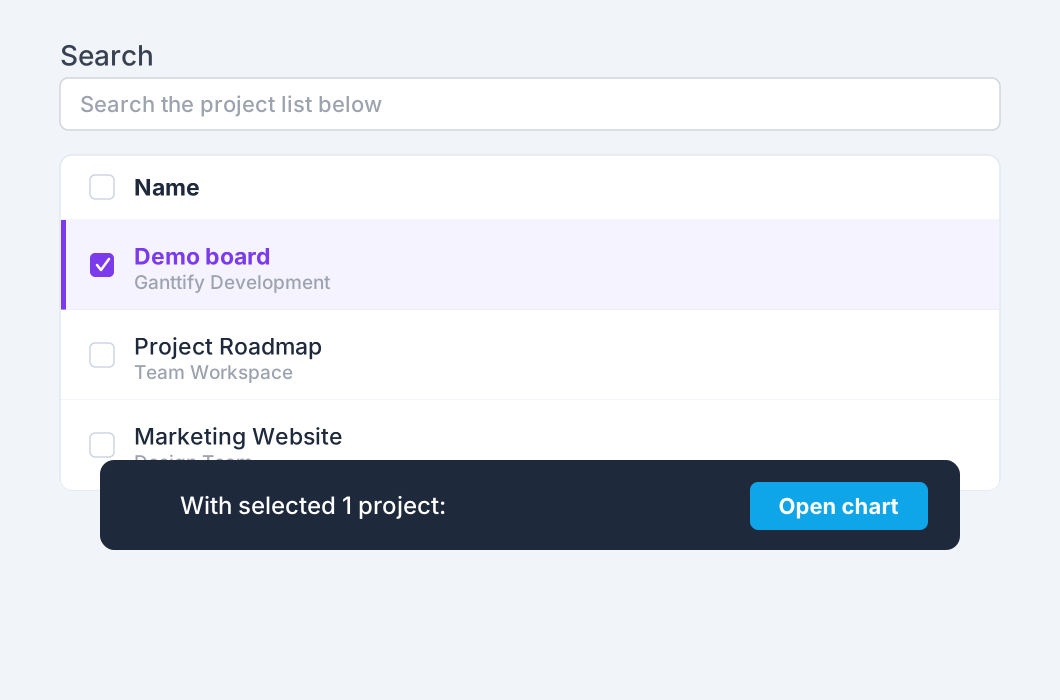
- All project data is loaded directly from Todoist. Just select your projects and click "Open Chart".
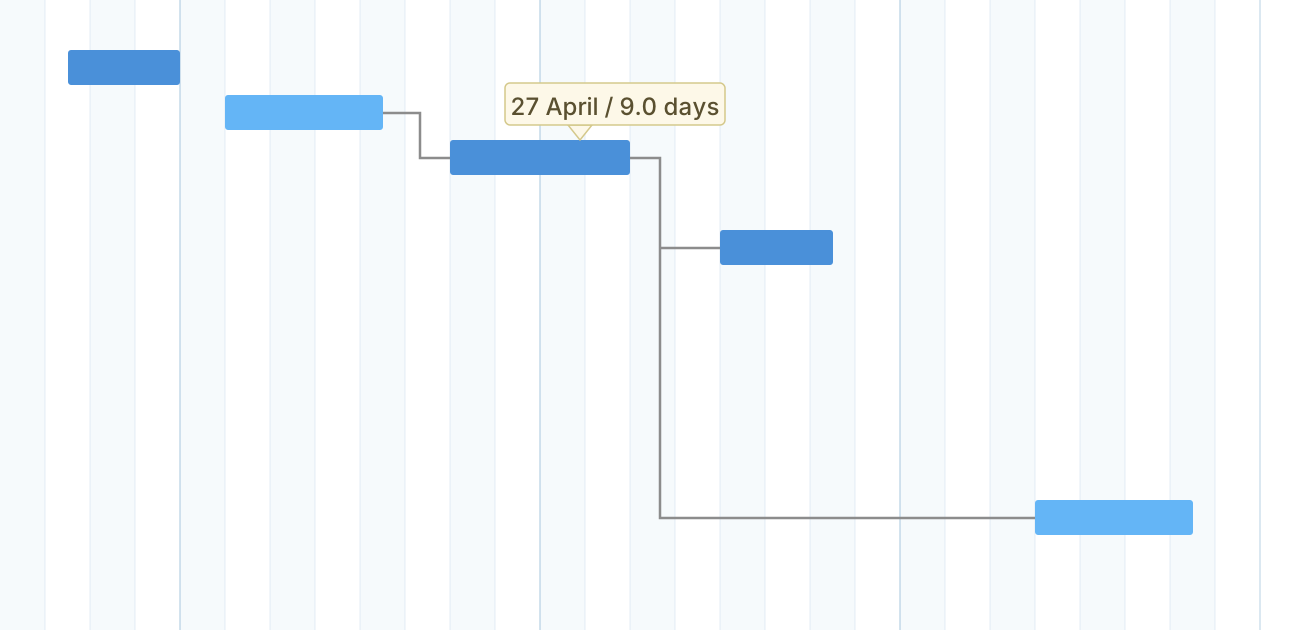
“Ganttify finally gives our Todoist boards the timeline discipline they were missing. Building dependencies on the chart keeps our priorities clear while the sync updates the team's daily plan automatically.
”
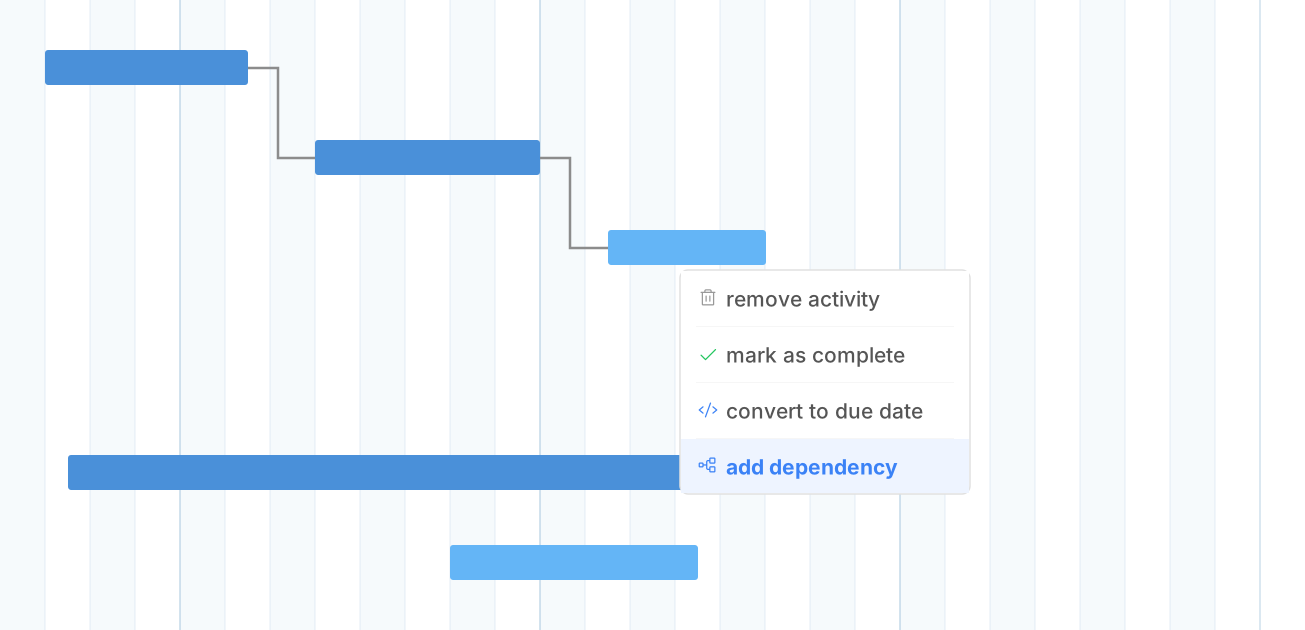
Set dependencies between tasks, even across projects.
Link dependent Todoist tasks on the Gantt chart. When one task slips, every task after it moves to its new date automatically.
-
Cross-project links.
- Define relations between tasks, even across different Todoist projects. A great way to connect work between teams or clients.
-
Automatic cascading.
- When a task moves forward, all dependent tasks automatically shift to their new dates. No manual rescheduling needed.
See Ganttify in action.
A quick look at how your projects come to life on a Gantt chart.
See all your Todoist projects on one timeline.
You've done the hard work in Todoist: organizing projects, setting dates, assigning tasks. Ganttify reveals the bigger picture that's already in your data.
-
Team visibility.
- See who's working on what, when tasks are due, and how everything fits together, whether you're a team of one or twenty.
-
Always in sync.
- When tasks update in Todoist, the Gantt chart updates. And vice-versa. Your daily task list and your project timeline always match.
Everything you need
Powerful features for Todoist users
-
Task dependencies
- Define relations between tasks, even across projects. When one task moves, dependent tasks shift automatically.
-
Read-only chart link
- Share a read-only link to your Todoist timeline. Clients and stakeholders follow progress without a Ganttify or Todoist account.
-
Start & end dates
- Define a task duration. Not just when it needs to be done, but when it starts and how long it takes.
-
Privacy first
- Your project data never stays on our servers. It's loaded each time you open the Gantt chart.
-
Export as PDF
- Created Gantt charts can be saved as PDF for convenient sharing with clients and stakeholders.
-
Filters
- Quickly find what you're looking for in big timelines. Filter by project, assignee, or date range.
-
Works great with teams
- Share a chart with your team on a team plan. You decide who can view it and who can edit it.
-
... and individuals.
- Planning a wedding, keeping track of your chores, and anything in between. Know when you have time and when you don't.
-
Always in sync
- When tasks update in Todoist, the Gantt chart updates. And vice-versa. Always up to date.
Frequently asked questions about Ganttify and Todoist
Everything you need to know about using Ganttify with Todoist. Can't find what you're looking for? Check out our help center.
- Does Todoist have a Gantt chart view?
- Ganttify shows your Todoist projects as an interactive Gantt chart. Connect your Todoist account and pick your projects. Drag to reschedule, link dependent tasks and share a read-only link. Every change syncs back to Todoist.
- Can you set dependencies in Todoist?
- You can with Ganttify. Link tasks that depend on each other on the Gantt chart, even across different Todoist projects. When one task slips, all dependent tasks automatically shift to their new dates.
- Does Todoist support start dates?
- Todoist supports both dates and deadlines. Ganttify uses these to create visual timeblocks on your Gantt chart: the date becomes the start point, the deadline becomes the endpoint, and you can see exactly how long each task takes.
- Can I see multiple Todoist projects on one timeline?
- Yes. Select the projects you want together and Ganttify combines them into a single Gantt chart. See how tasks from different projects overlap and spot scheduling conflicts before they happen.
- Can I share my Gantt chart with people who don't use Todoist?
- Yes. Share a read-only link to your Gantt chart. Anyone with the link can view the timeline without a Ganttify or Todoist account, and it stays up to date as your tasks change in Todoist.
- Do changes in Ganttify sync back to Todoist?
- Yes. Ganttify and Todoist stay in sync both ways. Reschedule a task on the Gantt chart and it updates in Todoist. Complete a task in Todoist and it reflects on the timeline. Your daily task list and project plan always match.
Ready to dive in?
Start your free trial today.
Also available for Trello, Basecamp, Google Calendar and GitHub.